




The new Wine Search functionality I wrote about last week is now live! It can be accessed from the main menu by clicking Wine Search. (NB: The Wine Search functionality is exclusive to subscribers.)
What’s new? Honestly, a whole lot of things! Here are ten.
A completely new look and feel that is substantially more visually appealing and more versatile.
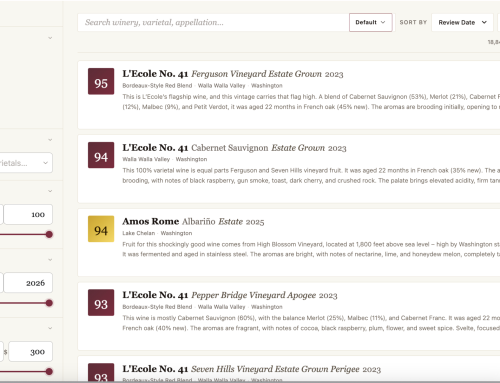
The changes to Wine Search are a complete rewriting of the original functionality. It is much more intuitive, visually appealing, and modern looking. It is much faster. As described below, it is also substantially more versatile.
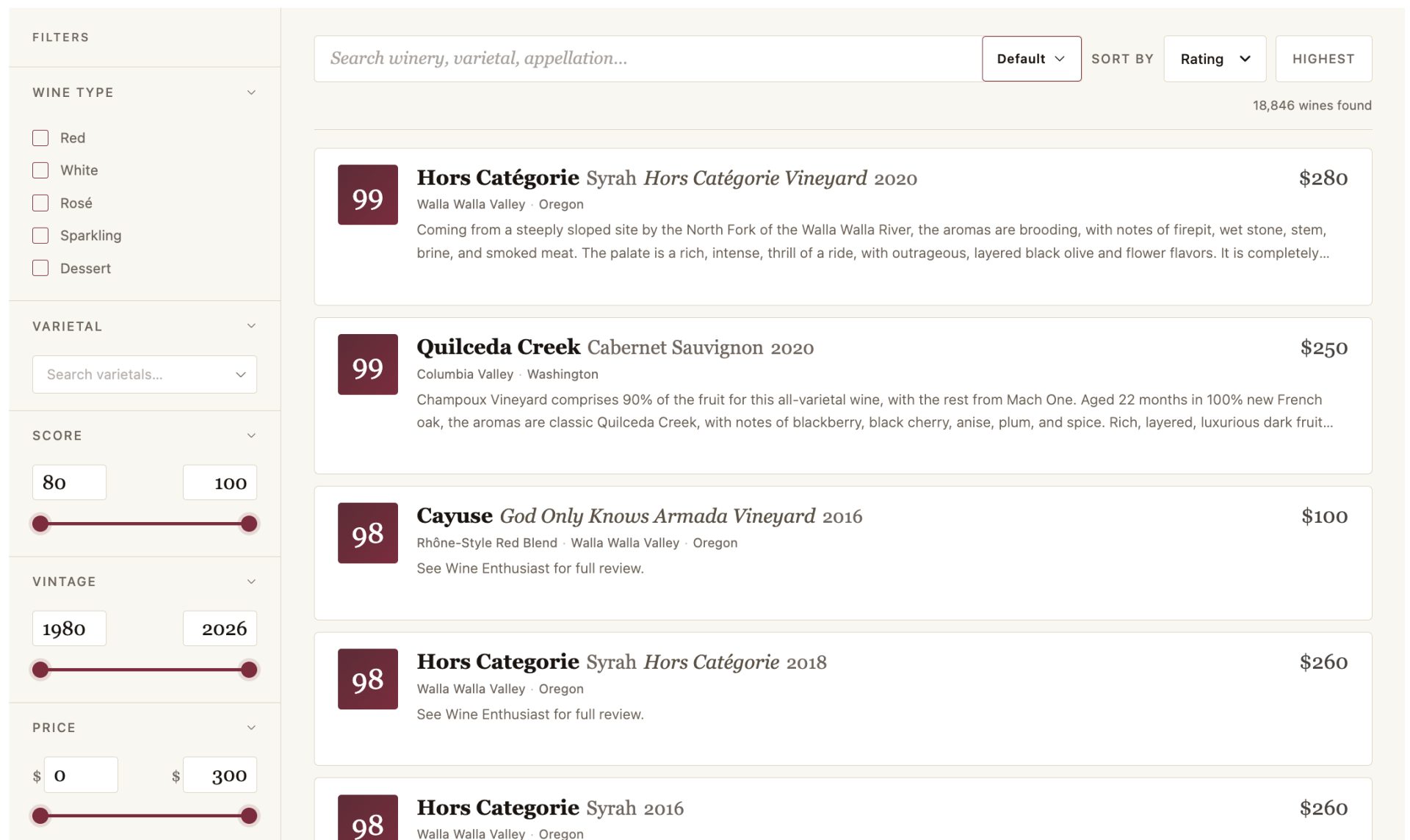
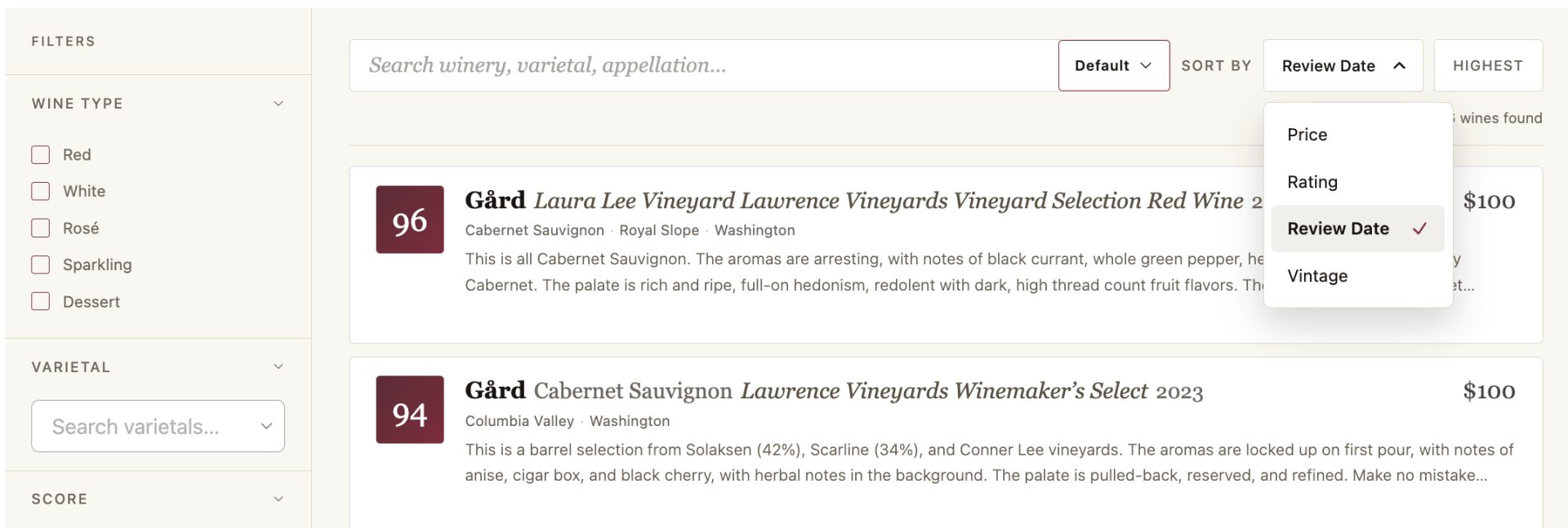
The ability to sort by Price and Review Date in addition to Rating and Vintage.
The prior Wine Search implementation had the ability to sort by Rating and Vintage. Now, there are expanded options that include the ability to sort by Price and Review Date (the date the review was published). Review date is the default.
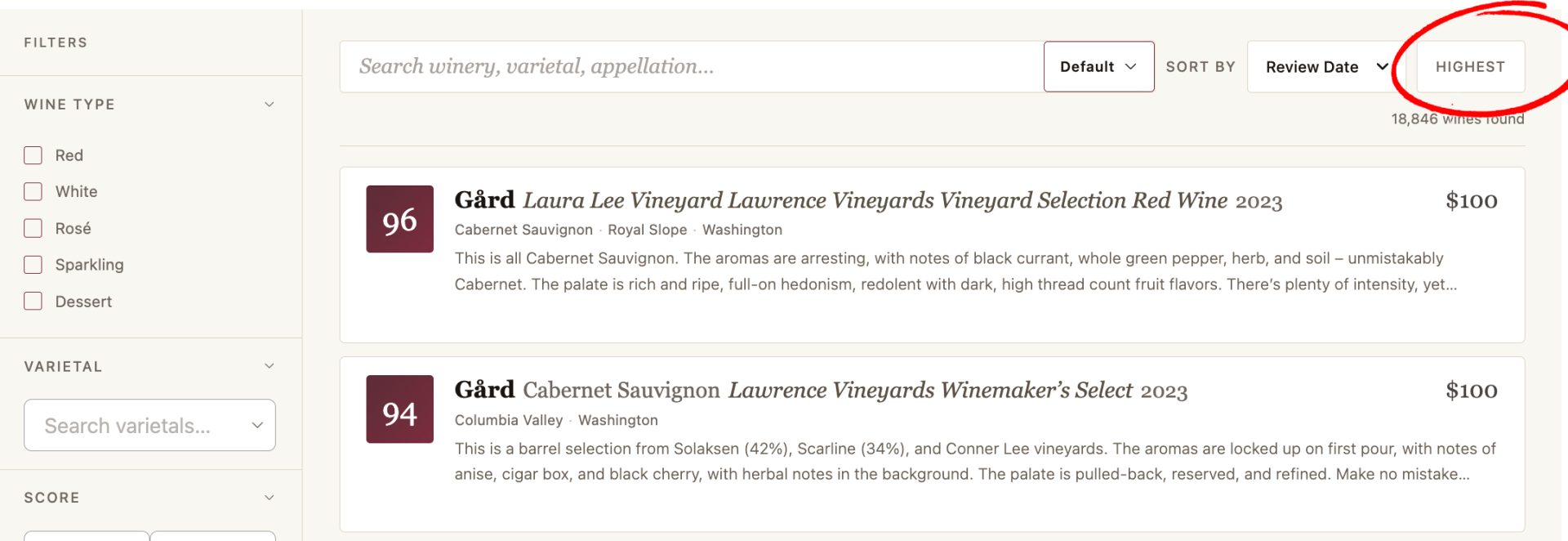
The ability to change the direction of the sort by Highest and Lowest.
After sorting by Rating, Vintage, Price, or Review Date, one can then sort from Highest to Lowest. This functionality did not exist in the prior Wine Search.
The ability to filter wines by a specific score or range of scores.
In the prior implementation of Wine Search, one could filter based on buckets, such as 90-94, 95-100. Now, one can filter on a specific score or range of scores, such as 91, 91-92, or 89-93.

The ability to easily filter across a range of vintages.
Previously, one could filter based on a single vintage. Now, one can filter based on multiple vintages, such as 2018-2021, in addition to a single vintage.

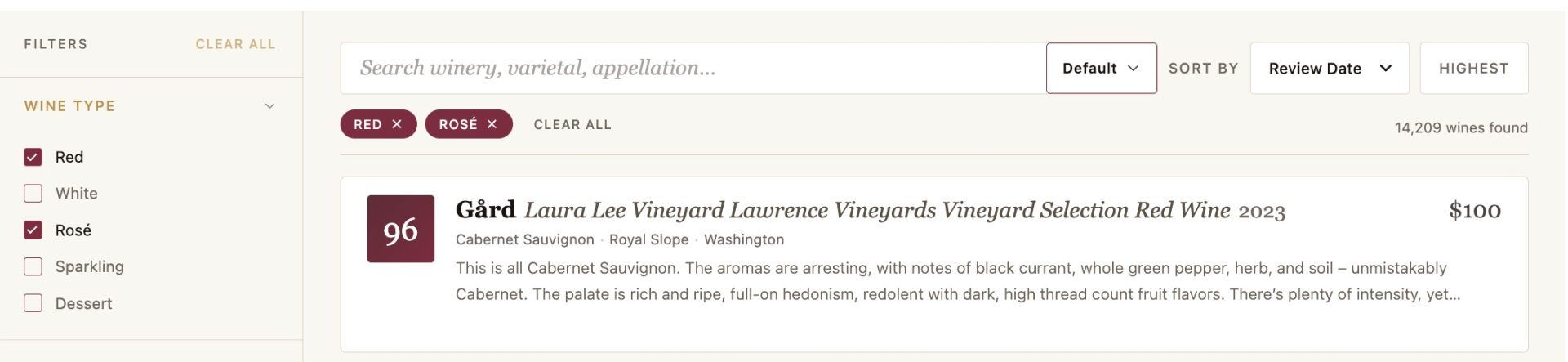
The ability to multi-select options on various filters.
Previously, one could only select one Wine Type in a search, such as Red Wine. Now one can select multiple wine types. For example, one can select Red Wine and Rosé. This expanded filter functionality also exists for State/Province/Region and Special Designation.
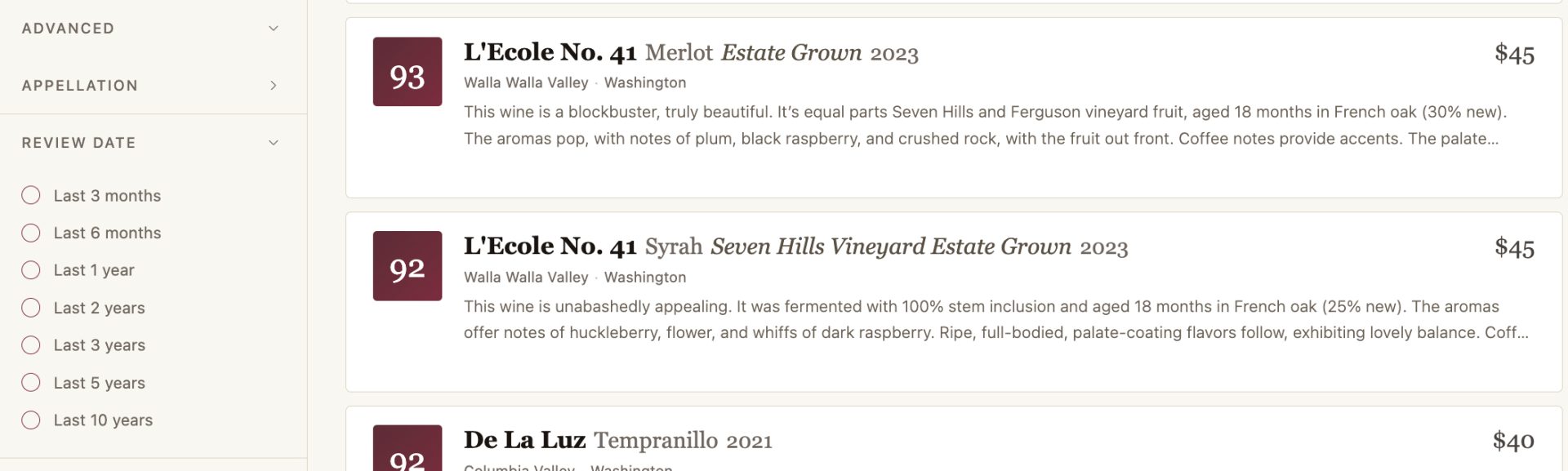
A wider range of options when filtering by Review Date.
In the prior implementation, one could filter based on four Review Date buckets. There are now seven.
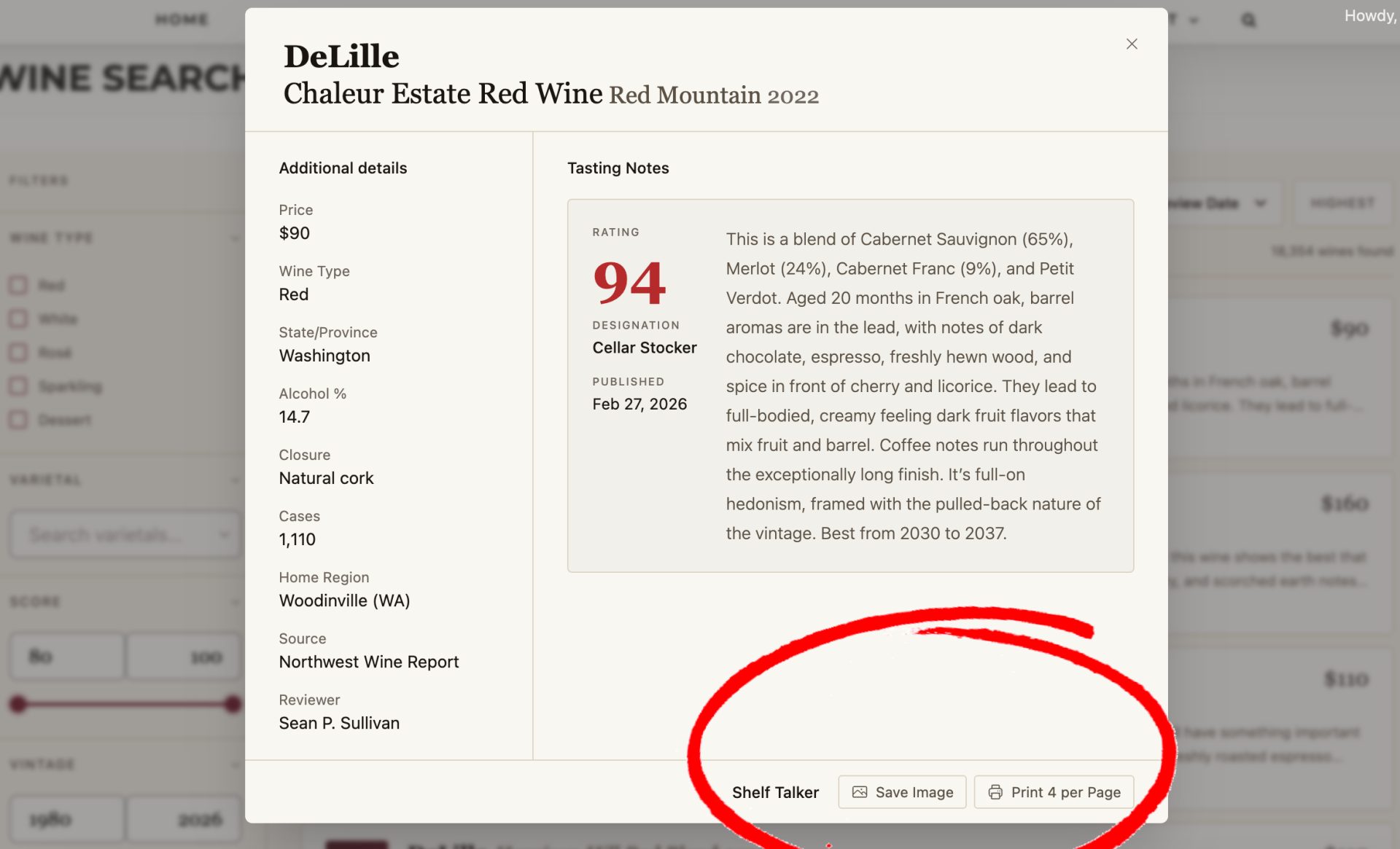
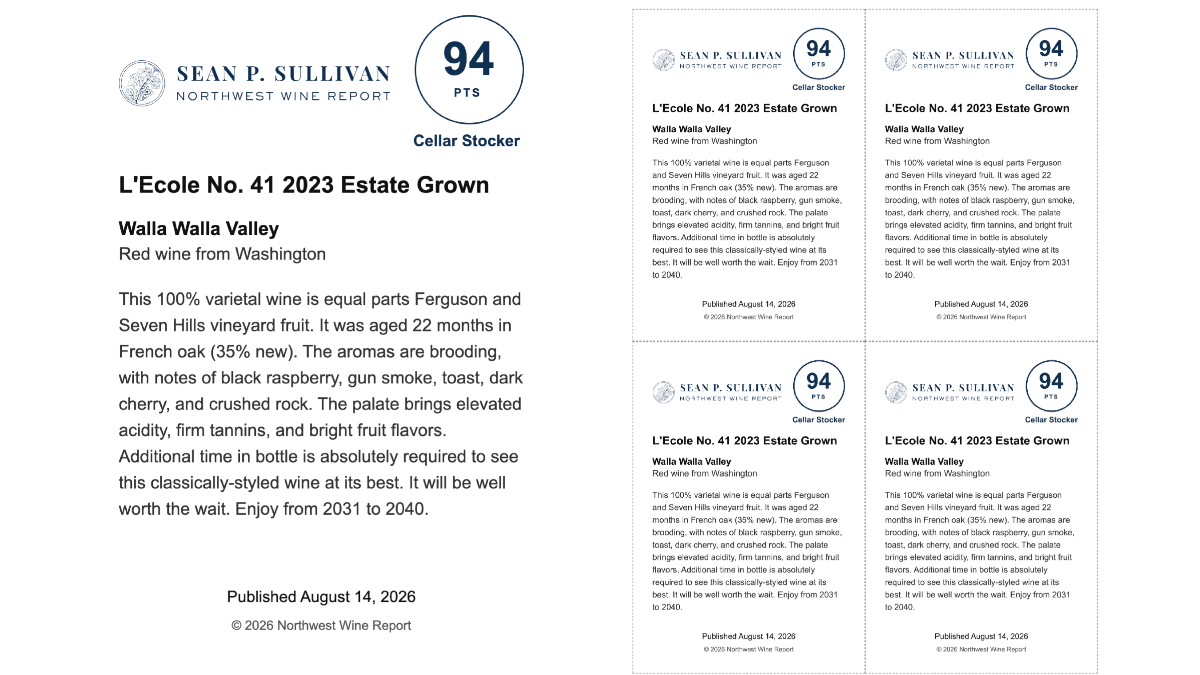
The ability to print digital and physical shelf talkers.
After looking at a particular wine review, one can print a digital or a physical shelf talker. This functionality did not previously exist in Wine Search. Note that this functionality is only available for Commercial and Enterprise subscribers.
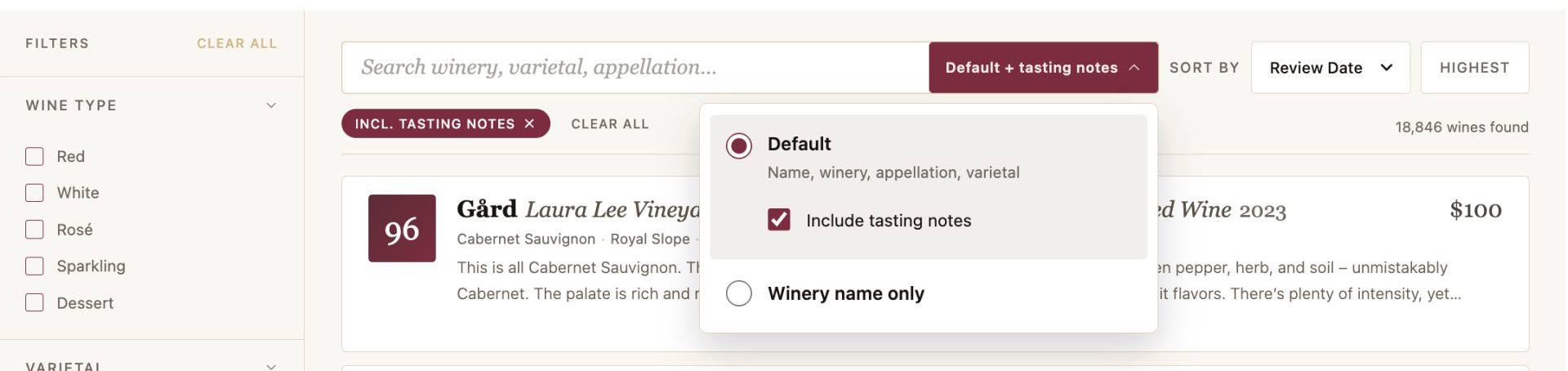
The ability to search by winery name only.
Prior searches looked simultaneously at a variety of fields. However, that made it challenging in circumstances where a winery name might also be a vineyard name (such as Kiona), the winery name was difficult as a search term (such as K Vintners), or a winery had a name that was similar to an appellation (such as Walla Walla Vintners). Now, one can search specifically based on winery name to address these issues.
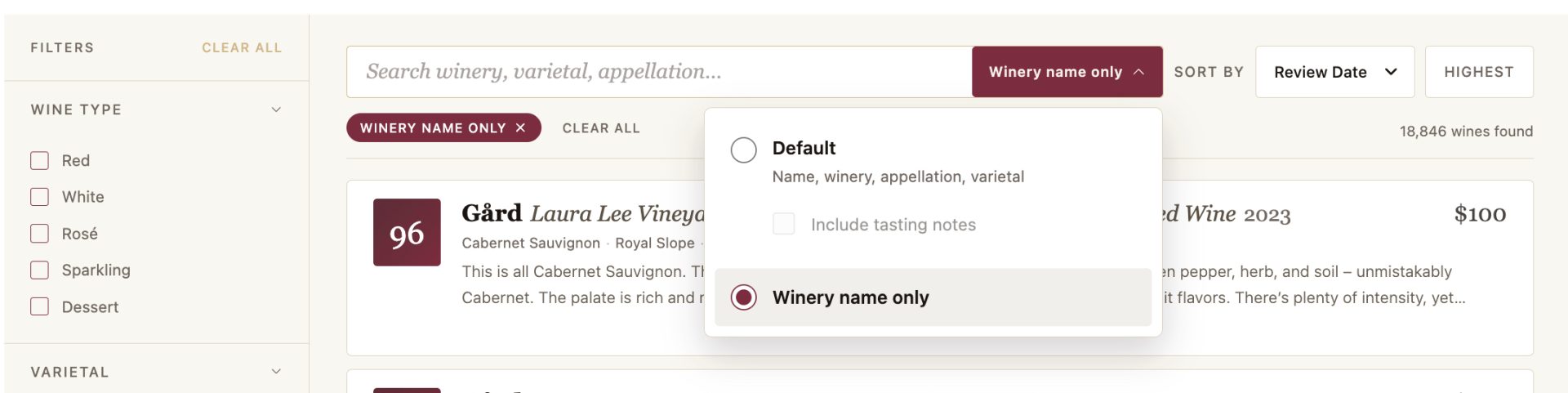
The ability for the search to include words in tasting notes (or not).
By default, wine searches look at winery names, vintages, wine names, vineyard designations, varieties, and appellations. However, one can also search tasting notes in addition to these fields by changing the default setting. For example, one can now search for the term “earthy.” This is unchecked by default.
* * *
As I stated previously, it is my firm belief that the new implementation of Wine Search is the best of breed of any wine review publication. I say that as someone who has been using various search implementations across numerous wine review sites for over 25 years. Many search engines can do some of what this one does. None can do all of it, do it as intuitively, and look as good doing it.
I hope that you enjoy the new Wine Search as much as I do! If you find any issues or have an enhancement request, please contact me.
Without further ado, click here to check it out. If you’re not already a subscriber, click below to subscribe.



Leave A Comment